Language

Reliable BLE Data Transfer: Handling MTU, Throughput & Chunking

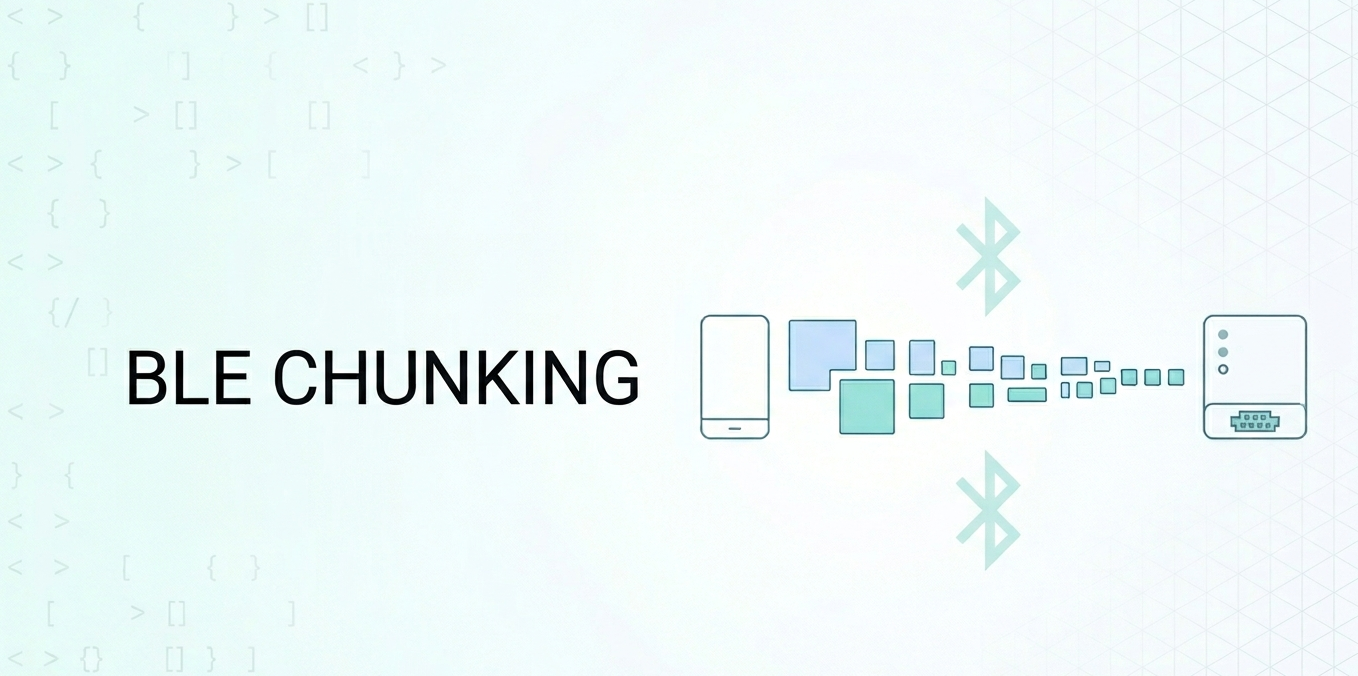
Sooner or later, every BLE developer runs into the same wall: you need to send more than 20 bytes at a time. Maybe it is a firmware image, a batch of sensor readings, or a configuration payload. You fire off a write and… only the first 20 bytes arrive. The rest is silently dropped.

The root of this problem is the MTU (Maximum Transmission Unit) — the maximum number of bytes a single BLE packet can carry. Understanding MTU, knowing how to negotiate it, and building a reliable chunking layer on top of it is essential for any real-world BLE application.

In this article we will cover everything you need to know: what MTU actually is, how to negotiate it on iOS and Android, the difference between write types, how to build a chunking protocol, and how to maximize throughput.

Let’s get started!

Read More

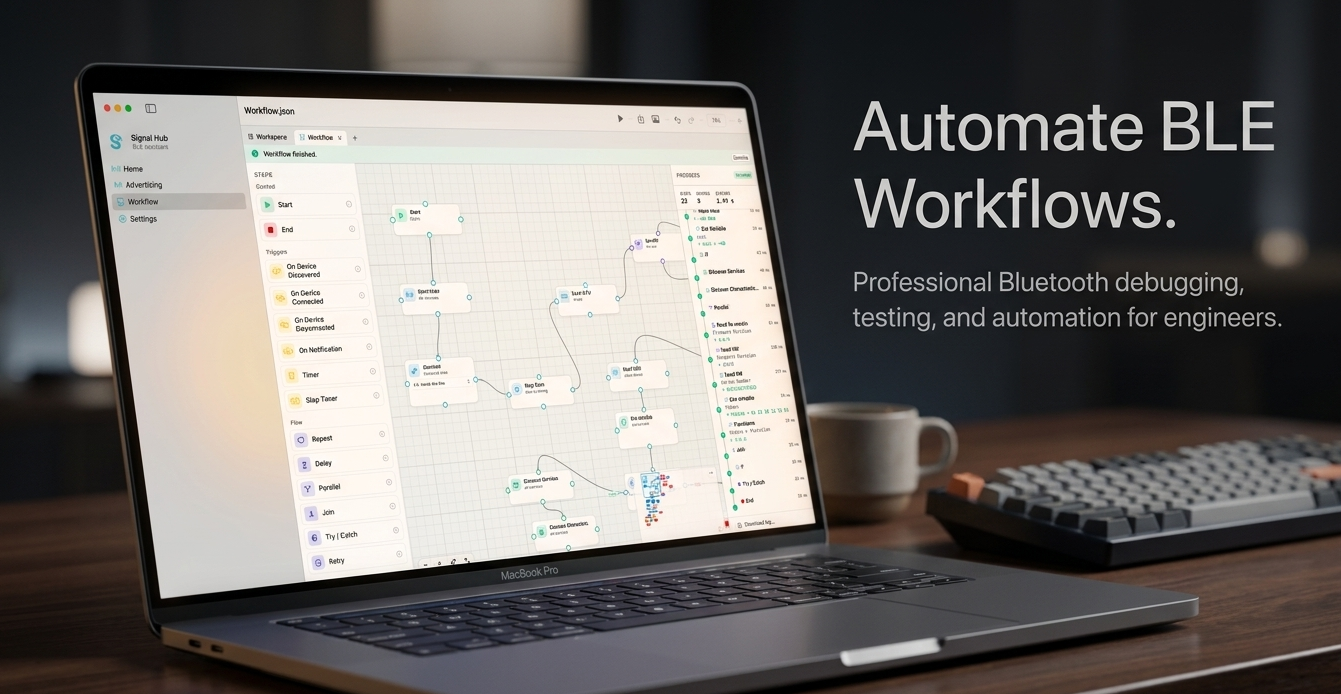
Introducing Signal Hub: The Professional BLE Toolkit for Developers and IoT Makers

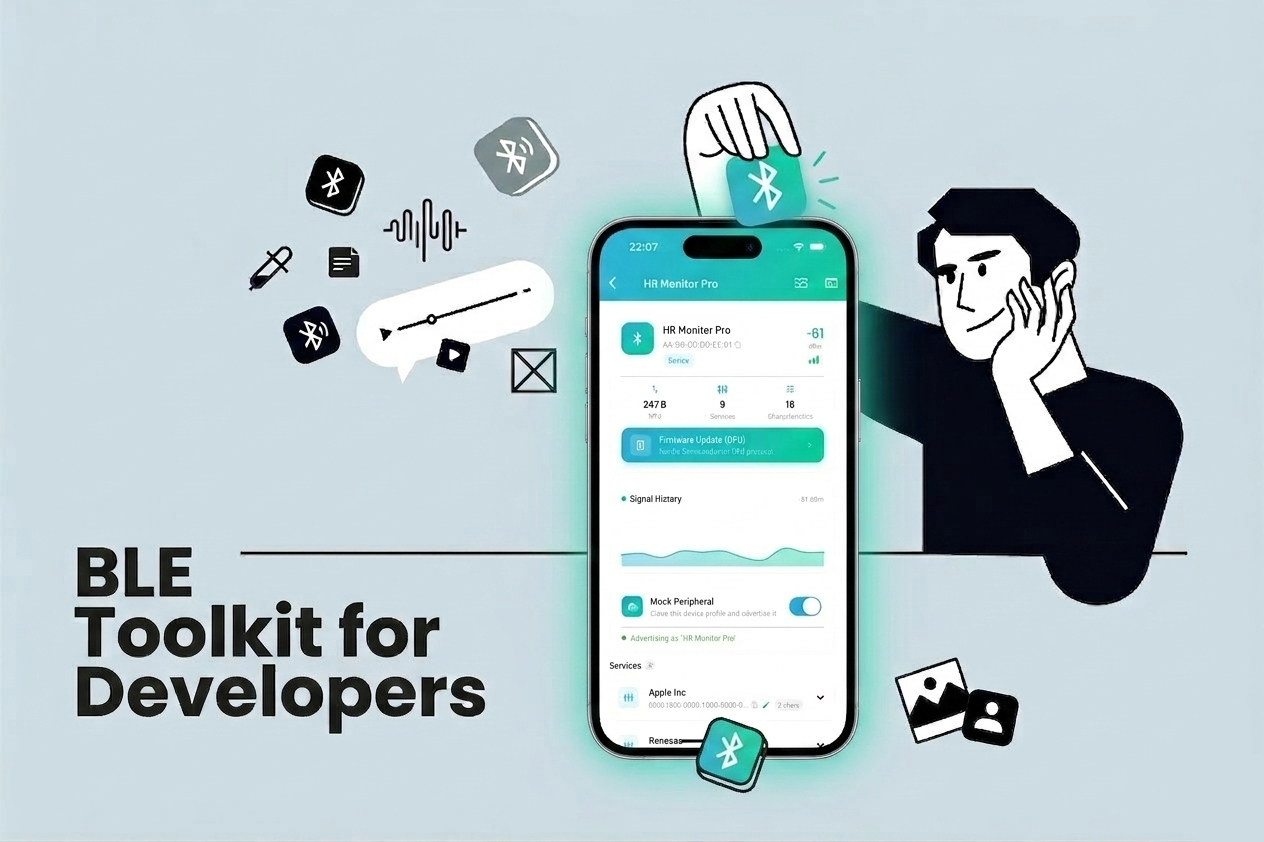
If you have ever spent hours staring at raw HEX dumps trying to figure out why your BLE peripheral is not sending the right data, you know the pain. Debugging Bluetooth Low Energy devices is notoriously tricky — the protocol is powerful, but the tooling available on mobile has always felt lacking.

That is why I built Signal Hub — a professional BLE toolkit designed for developers, hardware engineers, and IoT makers who need reliable, feature-rich tools to interact with BLE devices directly from their phone.

Read More

Best Practice: Bluetooth Low Energy in Different Platforms

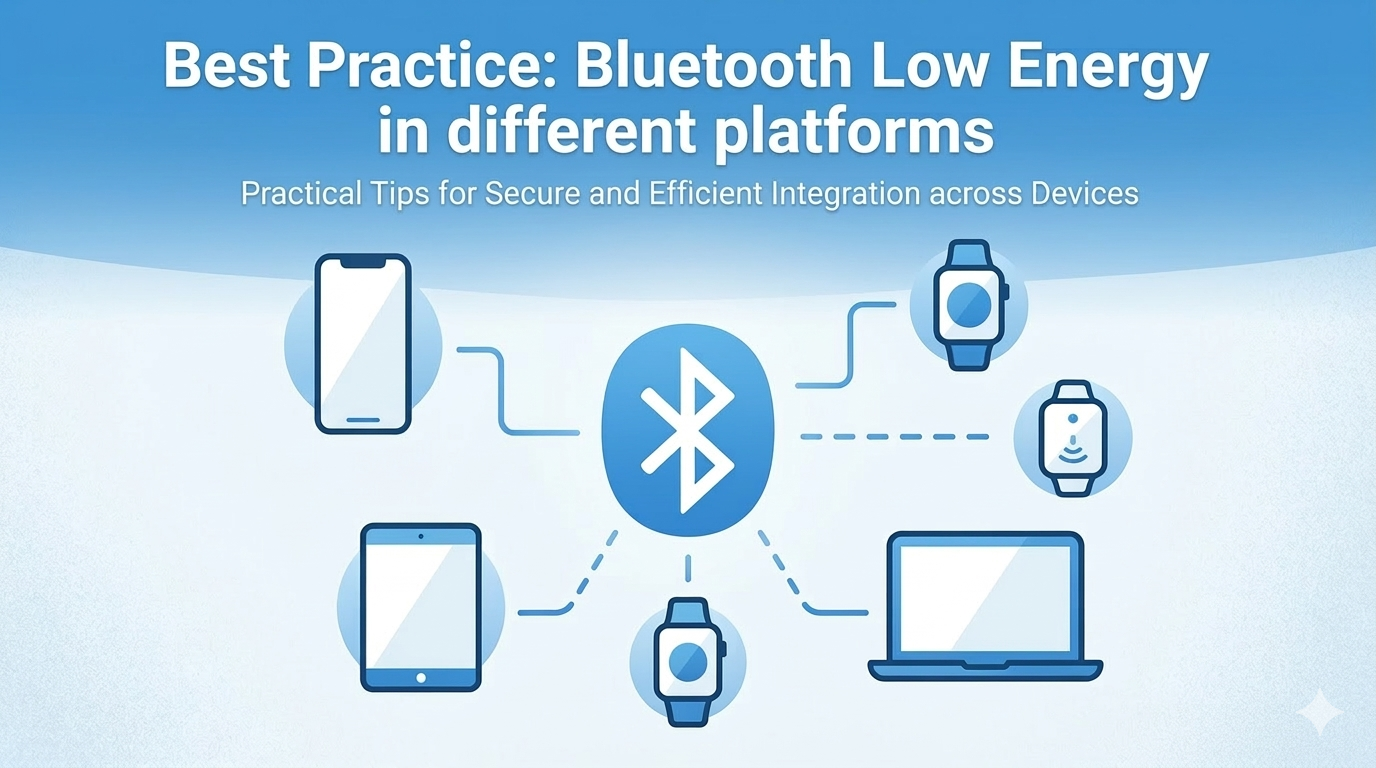
Bluetooth Low Energy (BLE) is a core technology behind fitness trackers, smart home devices, medical equipment, and many other IoT products. When building a BLE-enabled app, you often face a choice: native iOS, Flutter, or React Native?

Rather than relying on third-party BLE libraries for Flutter or React Native, the approach I recommend — and practice — is to write all BLE logic in native Swift using CoreBluetooth, then expose it to each cross-platform framework via its native bridge mechanism. For React Native, that means Native Modules. For Flutter, that means Platform Channels.

This gives you full control of the BLE stack, consistent behavior across all your projects, and zero dependency on external BLE packages that may lag behind iOS SDK updates.

Read More

Bluetooth Development: Callback vs Reactive Programming

Building Bluetooth Low Energy applications involves handling numerous asynchronous operations: scanning, connecting, discovering services, reading/writing characteristics, and handling disconnections. The traditional callback-based approach can quickly become unwieldy, leading to what developers call “callback hell.” In this post, we’ll compare the callback approach with reactive programming using RxSwift and RxJava, and explore how reactive patterns can dramatically improve your BLE code.

Read More

Best practice: iOS vs Android Bluetooth

Bluetooth technology has become an integral part of modern mobile applications, enabling seamless wireless communication between devices. Whether it’s for connecting to a wireless headset, transferring files, or interacting with smart home devices, Bluetooth plays a crucial role in enhancing user experience.

For mobile developers, understanding how to implement Bluetooth functionality is essential. In this post, we’ll dive into a detailed comparison of the Bluetooth development frameworks for iOS and Android.

Read More

Bluetooth Integration with App Clips: A How-To Guide

Nowadays, users demand quick and easy access to services they need, without downloading the full version of an app. App Clips - a feature introduced by Apple on iOS 14 - offers a solution to this demand by enabling users to access a small part of an app. By integrating your Bluetooth-enabled app to App clip, you can take user experience to the next level. This opens up new possibilities, such as allowing users to connect to nearby devices, perform a specific feature, and more. In this tutorial, I’ll guide you through integrating Bluetooth into your App Clip. Whether you’re a seasoned developer or a newbie, you will find everything you need to get started. So, let’s dive in!

Read More

Silent notification

In the ever-evolving world of mobile app development, keeping users engaged and informed is key. For iOS developers, background notifications are a powerful tool that enhances user experience without interrupting their current activities. But what exactly are background notifications, and how do they work? Let’s dive into the details.

Read More

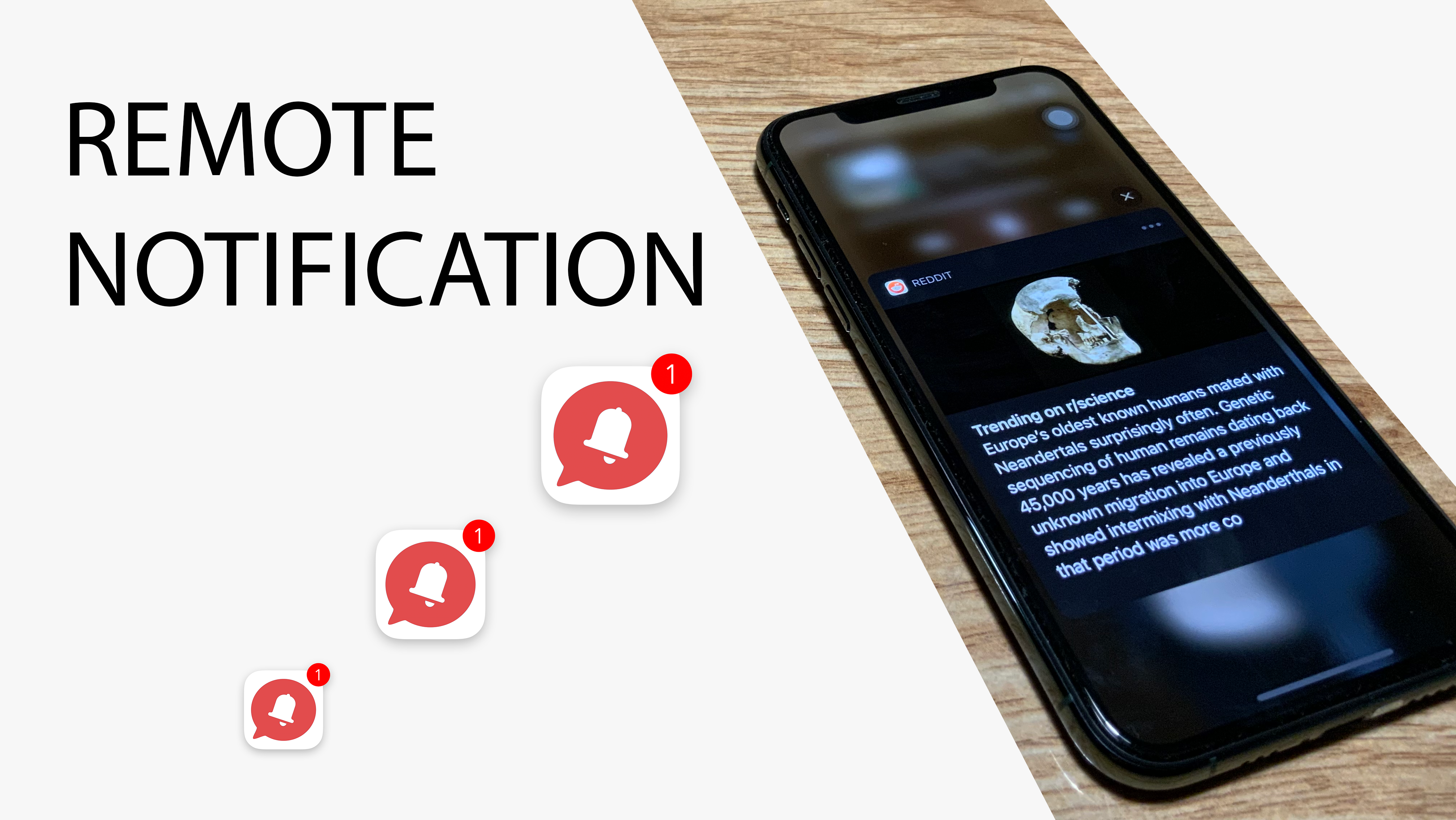
Remote Notification

Push notification allows your app to reach users more frequently, and can also perform some tasks. In this tutorial, we will learn how to config apps to get remote notifications, display contents and then perform some actions when the user presses in.
Let’s get started.

Read More

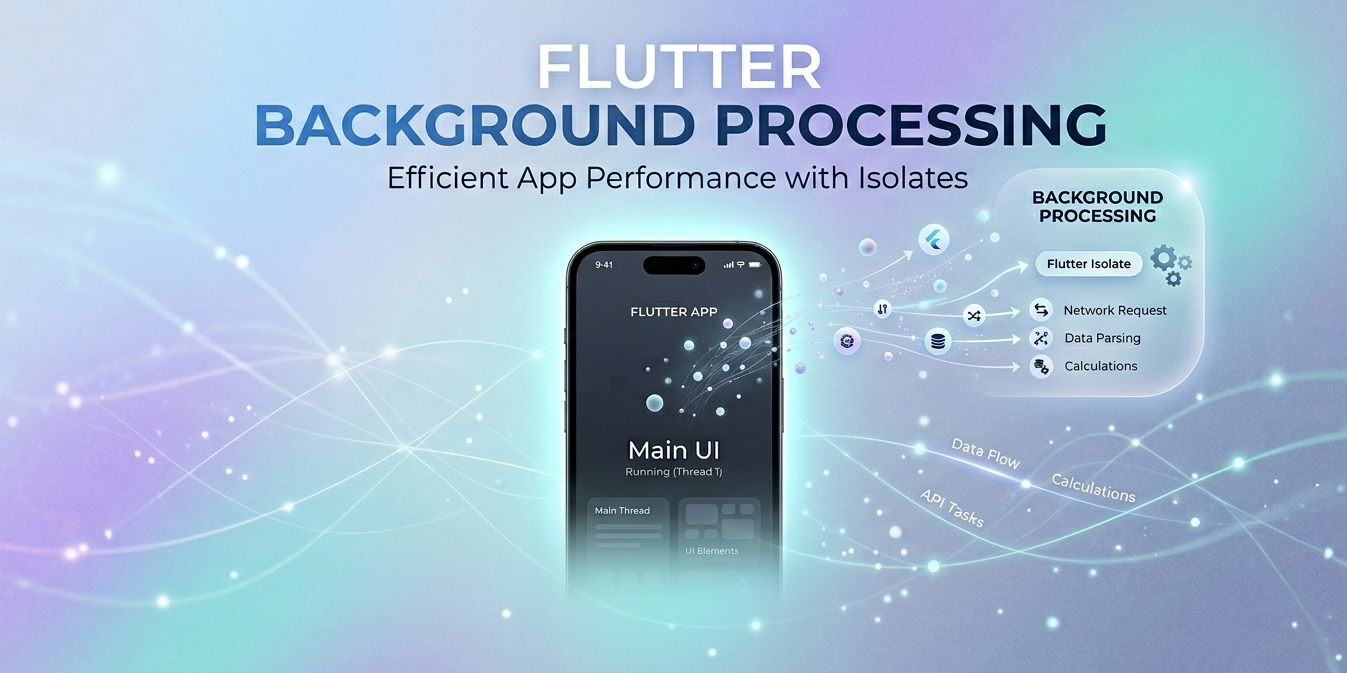
Best practice: iOS background processing - Background App Refresh Task

Unlike Android, iOS restricts background processing in an effort to improve battery life and user experience. When your app enters background mode, developers lose direct control over it. How and when your app gets a chance to execute a task depends entirely on the system. At its core, iOS uses an internally complex algorithm to determine which apps are allowed to run in the background, based on factors such as user activity patterns, current battery state, and more.

In this tutorial, we will learn how to request periodic background execution time on iOS. After understanding how it works, we will apply this technique to a BLE-based app in some specific cases in the next tutorial.

Let’s get started!

Read More

Best practice: Advanced BLE scanning process on iOS

iOS developers are building applications that play both roles Peripheral and Central to exchange data with other copies apps. The data can be exchange a small of information via BLE packets or the signal strength indicator (RSSI) value from one to the others. However, keeping the app last forever in the foreground is impossible. Sooner or later, the app will enter to background mode by the user and finally will be suspended by the system depending on RAM available, power consumption and other factors. Thus, understanding the procedure of advertising and scanning on iOS devices helps you to build good applications that fit your expectations.
At the end of this tutorial, we will build a simple application that acts as both a scanner and an advertiser. When two applications find each other, they will write a log record for analysis. Depending on the results, we will find out how effective our application is using Core Bluetooth.
Let’s switch the gear!

Read More