Language
Modern BLE: async/await on iOS and Coroutines on Android

Modern BLE: async/await on iOS and Coroutines on Android

Both CoreBluetooth (2011) and Android’s BluetoothGatt (2013) were designed in the age of delegates and callbacks. Every BLE operation — connect, discover, read, write, subscribe — fires its result into a different method, far away from where you started it. The result is the infamous “callback maze”: logic for a single user action smeared across half a dozen delegate methods, all coordinated by shared mutable state.

We already explored one way out in Callback vs Reactive Programming: reactive streams. But reactive frameworks bring a dependency and a learning curve. Today both platforms ship a native answer — Swift Concurrency (async/await) on iOS and Kotlin Coroutines (suspend + Flow) on Android — that turns the callback maze into linear, cancellable, testable code with zero third-party dependencies.

In this article we will build a small, modern BLE layer on both platforms from the ground up, and cover the sharp edges nobody warns you about: double-resume crashes, leaked continuations, timeouts, and cancellation.

Let’s get started!
Read More
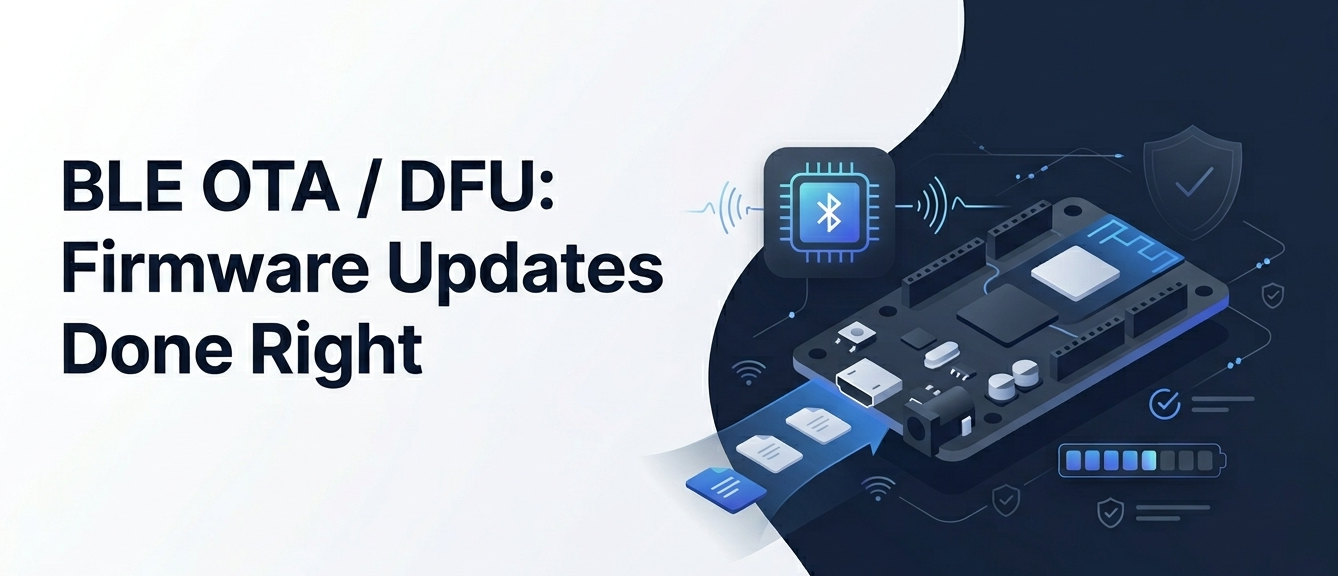
BLE OTA / DFU: Firmware Updates Done Right

BLE OTA / DFU: Firmware Updates Done Right

Every connected product eventually needs a firmware update. A bug ships, a new feature lands, a security hole is found — and the only way to fix the device sitting in your customer’s pocket is to push new firmware over the air. In the BLE world this is called OTA (Over-The-Air) updating, or DFU (Device Firmware Update).

It sounds simple: send a binary to the device and tell it to reboot. In practice, OTA is one of the most failure-prone flows in any BLE product. A dropped packet, a corrupted image, or a power loss at the wrong moment can turn a $200 device into a brick.

In this article we will build a complete mental model of how BLE firmware updates work, walk through the Nordic DFU approach and a custom protocol, and cover the three things that separate a toy implementation from a production one: integrity verification, resumability, and safe rollback.

Let’s get started!

Read More
Reliable BLE Data Transfer: Handling MTU, Throughput & Chunking

Reliable BLE Data Transfer: Handling MTU, Throughput & Chunking

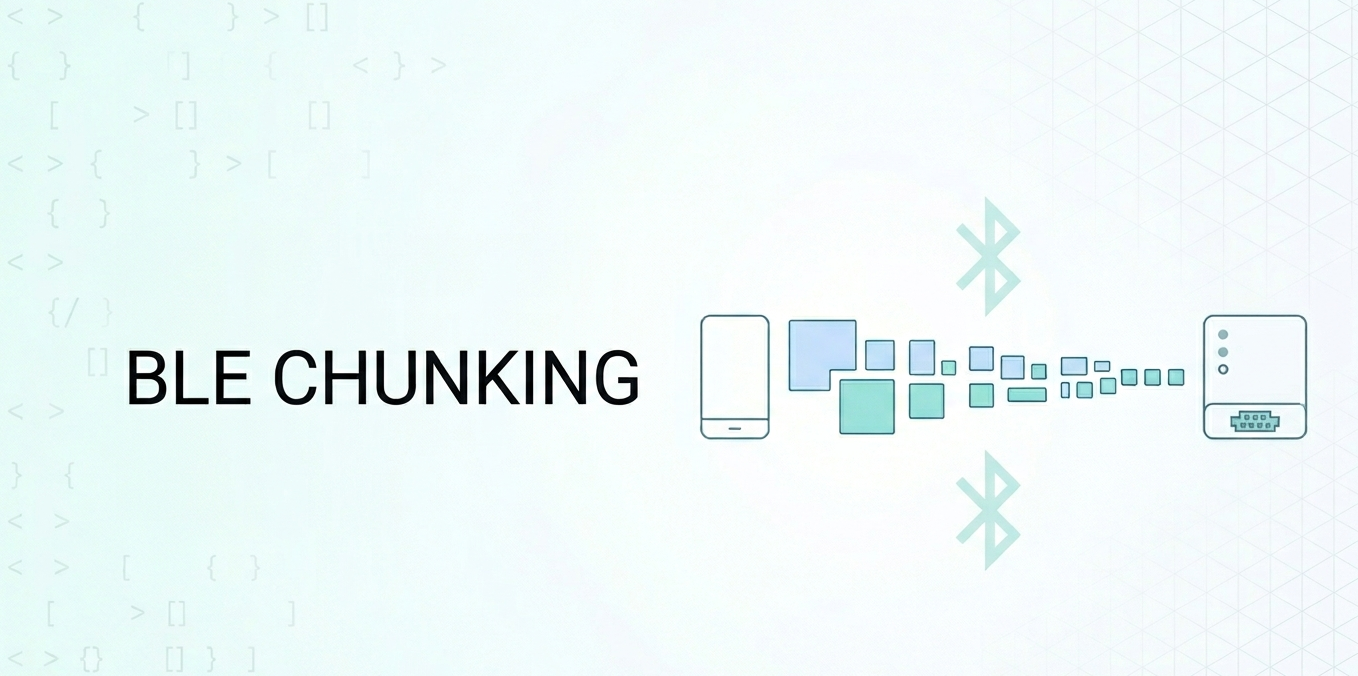
Sooner or later, every BLE developer runs into the same wall: you need to send more than 20 bytes at a time. Maybe it is a firmware image, a batch of sensor readings, or a configuration payload. You fire off a write and… only the first 20 bytes arrive. The rest is silently dropped.

The root of this problem is the MTU (Maximum Transmission Unit) — the maximum number of bytes a single BLE packet can carry. Understanding MTU, knowing how to negotiate it, and building a reliable chunking layer on top of it is essential for any real-world BLE application.

In this article we will cover everything you need to know: what MTU actually is, how to negotiate it on iOS and Android, the difference between write types, how to build a chunking protocol, and how to maximize throughput.

Let’s get started!

Read More
Introducing Signal Hub: The Professional BLE Toolkit for Developers and IoT Makers

Introducing Signal Hub: The Professional BLE Toolkit for Developers and IoT Makers

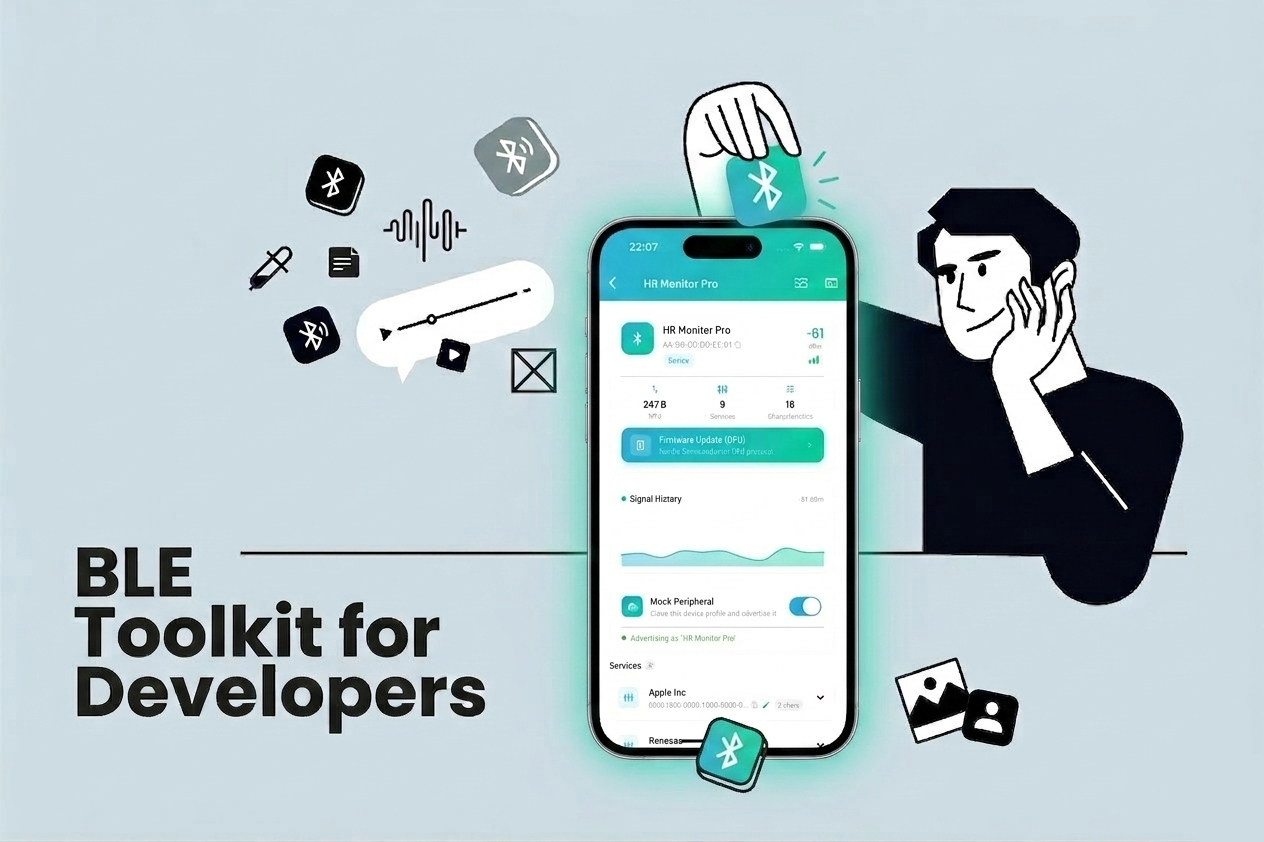
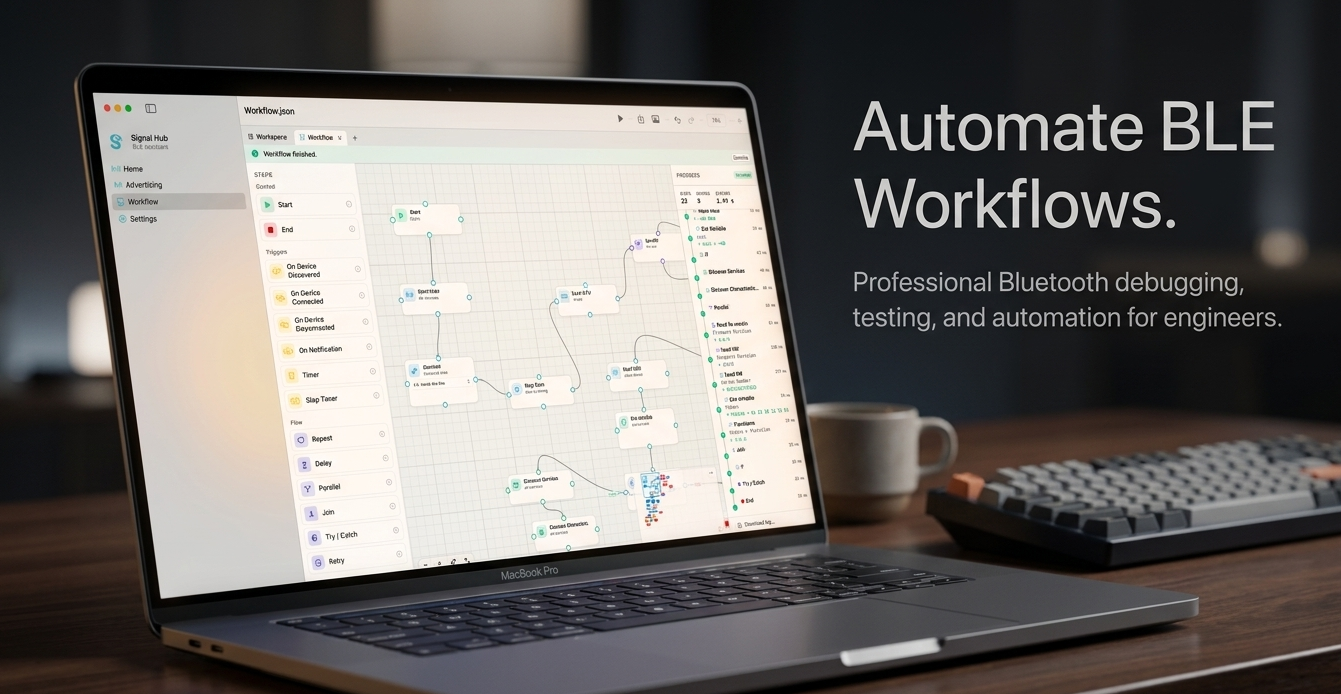
If you have ever spent hours staring at raw HEX dumps trying to figure out why your BLE peripheral is not sending the right data, you know the pain. Debugging Bluetooth Low Energy devices is notoriously tricky — the protocol is powerful, but the tooling available on mobile has always felt lacking.

That is why I built Signal Hub — a professional BLE toolkit designed for developers, hardware engineers, and IoT makers who need reliable, feature-rich tools to interact with BLE devices directly from their phone.

Read More
Android Bluetooth: A Pitfall

Android Bluetooth: A Pitfall

Developing BLE-enabled Android apps is fraught with challenges, especially when it comes to managing concurrent operations. One of the most common pitfalls developers face is the unexpected behavior that occurs when trying to execute BLE operations in rapid succession. In this blog post, we’ll delve into why this happens and how you can overcome it by implementing a custom queuing mechanism for BLE operations.

Read More
Bluetooth Integration with App Clips: A How-To Guide

Bluetooth Integration with App Clips: A How-To Guide

Nowadays, users demand quick and easy access to services they need, without downloading the full version of an app. App Clips - a feature introduced by Apple on iOS 14 - offers a solution to this demand by enabling users to access a small part of an app. By integrating your Bluetooth-enabled app to App clip, you can take user experience to the next level. This opens up new possibilities, such as allowing users to connect to nearby devices, perform a specific feature, and more. In this tutorial, I’ll guide you through integrating Bluetooth into your App Clip. Whether you’re a seasoned developer or a newbie, you will find everything you need to get started. So, let’s dive in!

Read More
Web Bluetooth

Web Bluetooth

Have you ever wanted to create a web application that enables users to communicate with your device using Bluetooth? Until the introduction of Web Bluetooth, this was only possible through native mobile apps. However, with the advent of Web Bluetooth you can now turn your idea into a reality.
Web Bluetooth is a game-changing technology that allows web developers to connect their applications directly to Bluetooth devices, opening up a wide range of possibilities for IoT, wearables, and other Bluetooth-enabled devices. By leveraging the power of Web Bluetooth, you can create web applications that can communicate with devices without the need for a separate native app.
So if you have been dreaming of creating a web application that can interact with Bluetooth devices, now is the time to explore the possibilities of Web Bluetooth and take your development skills to the next level.

Read More
Series React Native and BLE: Part 2 - Building BLE framework for Android

Series React Native and BLE: Part 2 - Building BLE framework for Android

When it comes to mobile technology, iOS and Android are the two dominant operating systems that power the majority of smartphones and tablets worldwide. As developers, it is essential that we have the knowledge and tools to work with both platforms effectively. This is especially true when it comes to utilizing Bluetooth technology, which is a crucial component of many modern mobile applications.
In part 1 of this tutorial series, we created a BLE (Bluetooth Low Energy) framework that could be connected to the UI using React Native. However, this framework only worked on iOS, which meant that we needed to develop a separate solution for Android.
In part 2 of this tutorial series, we will be focusing on defining a new SDK for Android and linking it to the UI, just as we did on iOS. This will allow us to fully support both operating systems and provide a seamless Bluetooth experience for all users, regardless of their device of choice.

Read More