Language

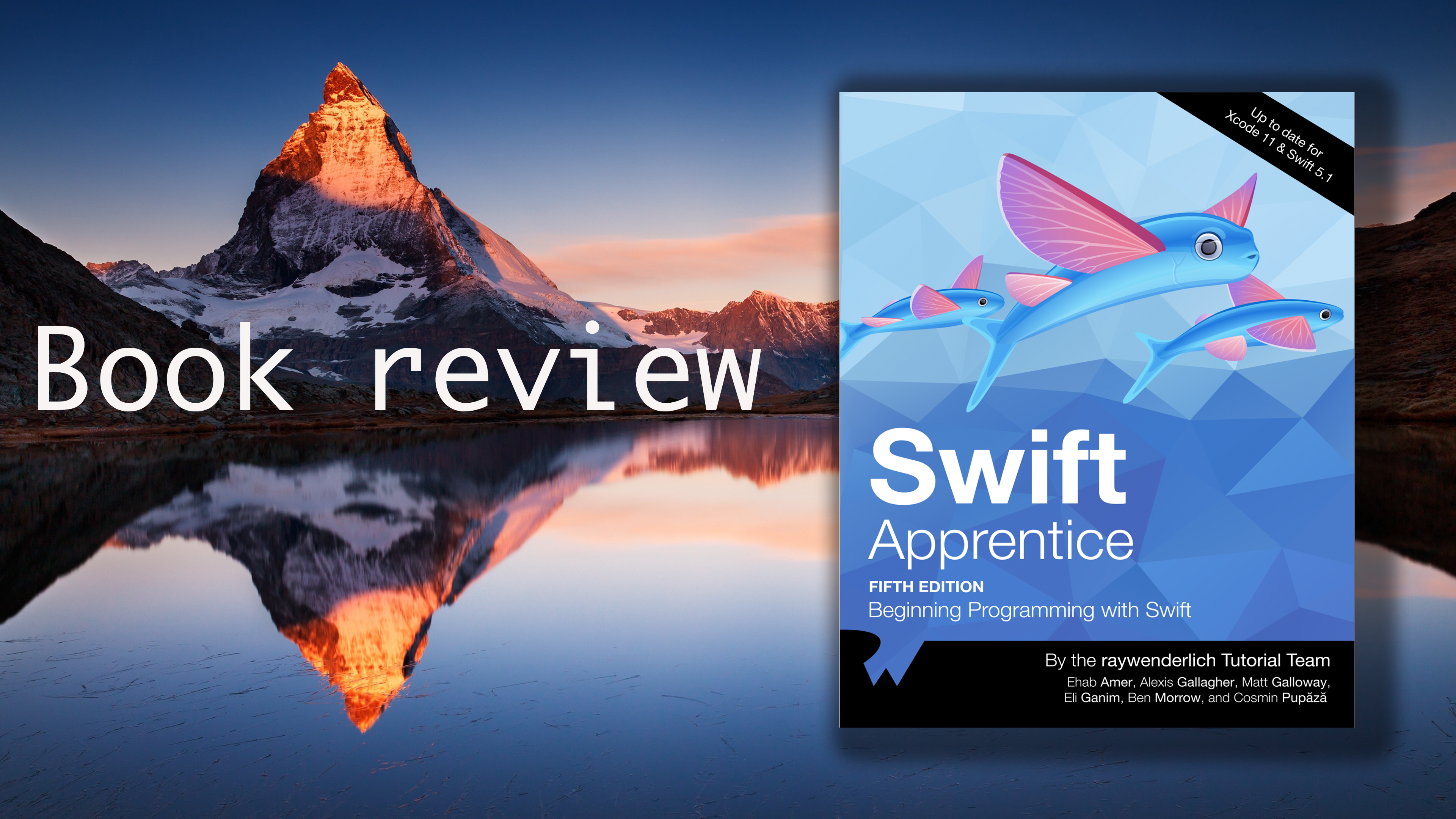
Review book: Swift Apprentice - Raywenderlich


While I was searching for a book to boost my iOS development skill, I found this Swift Apprentice book on Raywenderlich’s book store. Take a quick look at the content of the book, I decided to add the book to my library.
Generally, If your iOS skill is mid-level or senior, you’re so confident with your master programming skill, this book is not for you. But if you’re looking for a book to strengthen your knowledge, or you just want to make sure everything you understand about Swift language is right - as my purpose, then take this book with you.
You’ll learn about very basic things like function, method, constants, control statement, etc. You’ll also have a chance to get in-depth knowledge about Stack/Heap allocation, protocol-oriented programming, and generic programming, which make your daily job more convenient, and you will find yourself like a master in Swift language.
Let’s drive-in!

Read More

iOS: Mix and Match


As Swift has been becoming a flagship language for iOS development, most of the new iOS projects nowadays are built in Swift. However, there are many useful libraries are developed in other low-level programming languages such as Objective-C and / or C++ to boost performance. On the other hand, not all engineering positions are open to new projects, most of them are hired to maintain and develop new features based on the current code base that are built-in Objective-C.
Having the knowledge to mix the two languages within a single project is good for your iOS development skills as you will face it someday in your career path. In this post, I’m going to show you not only how to use Objective-C and Swift in one single project but also how to use a set of programming languages in a single one, including C++/ Objective-C/ Swift and React Native. Hope you will find this post interesting.
Let’s drive-in.

Read More

Integrate Google Sign In on MacOS App in Swift


As an iOS developer, you might have chances to write applications on Mac os. And sometimes, your applications require users to authenticate before they can use your app. Enabling Google Sign in helps you save a lot of time to implement authentication flow. Unfortunately, it is a lack of documentation on how to integrate Google Sign in on Macos app, particularly in Swift. I once had a chance to implement this feature to my app. Now I want to share with you how we can do it. Let’s get started.

Read More

Best practice: Core Data Concurrency


Some applications can survive without any data storage. Most other useful applications, however, save some state such as user configurations, user profile, goals, etc. on iOS, Apple provides Core Data as a framework to persist your valuable data. One thing to keep in mind that although CoreData can store data in a relational database it’s actually not a database engine.
In this tutorial, I will share with you a bad experience I faced when I work with Core Data. Hopefully, after reading my sharing, you will avoid facing the same problem in your projects.
Let’s get started.

Read More

Integrate Google Drive to iOS app


At Fossil, I’ve had the chance to experiment with Google Drive integration, as a cloud bases storage. The main advantage of using Google Drive is to share with other members easily, with a good web-based UI to modify the contents of folders, and it’s free. However, I struggled when trying to make Google Drive work due to lack of documents and articles related to Google Drive APIs, especially in Swift. Additionally, the code and examples on Google’s sites are out of date. Therefore, I decided to write this article with a hope of saving your time when you want to integrate Google Drive to your apps. Let’s get started.

Read More

Crash early in Swift


Last night, I read a chapter of a book as one of my favorite books: "The pragmatic programmer" (By Andrew Hunt and David Thomas). This chapter discusses how to use assertion to make the code easier for debugging. We all know that assertion is an essential tool for writing tests, but It does more than that. Let’s go with me to meet this guy: Assertion.

Read More

Shipping your iOS app to Store

Submitting your app to the Apple Store isn’t as simple as pressing a “magic” button then it does everything, but it’s not as complicated as you think either. It’s maybe your first time launching your first app, and you don’t have a chance to get familiar with the submitting process before. This step-by-step tutorial will show you the main flow to submit apps from zero to a hero. Kindly note that you need to have a Paid Developer Account to get it done.
Jump in!

Read More