BLE OTA / DFU: Firmware Updates Done Right
Every connected product eventually needs a firmware update. A bug ships, a new feature lands, a security hole is found — and the only way to fix the device sitting in your customer’s pocket is to push new firmware over the air. In the BLE world this is called OTA (Over-The-Air) updating, or DFU (Device Firmware Update).
It sounds simple: send a binary to the device and tell it to reboot. In practice, OTA is one of the most failure-prone flows in any BLE product. A dropped packet, a corrupted image, or a power loss at the wrong moment can turn a $200 device into a brick.
In this article we will build a complete mental model of how BLE firmware updates work, walk through the Nordic DFU approach and a custom protocol, and cover the three things that separate a toy implementation from a production one: integrity verification, resumability, and safe rollback.
Let’s get started!
Foundational Knowledge
Before writing any code, you need to understand what actually happens on the device during an update. This shapes every decision on the app side.
The Two-Slot (A/B) Model
A robust device never overwrites the firmware it is currently running. Instead it keeps two slots:
1 | ┌─────────────────────────────────────────────┐ |
- The device runs from Slot A.
- The new image is written into Slot B while A keeps running.
- Only after the full image lands and passes validation does the bootloader swap and boot from B.
- If the new image fails to boot, the bootloader rolls back to A.
This is why a half-finished transfer cannot brick the device — the running firmware is never touched. As an app developer you do not control this, but you must design your protocol around it: the device will not “activate” anything until it has received and verified the complete image.
The Anatomy of an Update
Every BLE OTA flow, regardless of vendor, follows the same five phases:
1 | 1. PREPARE → app sends image metadata (size, version, CRC) |
If you remember nothing else, remember this: the transfer is the easy part. Phases 1, 3, 4, and 5 are where products break.
Why Not Just Reuse the Chunking Protocol?
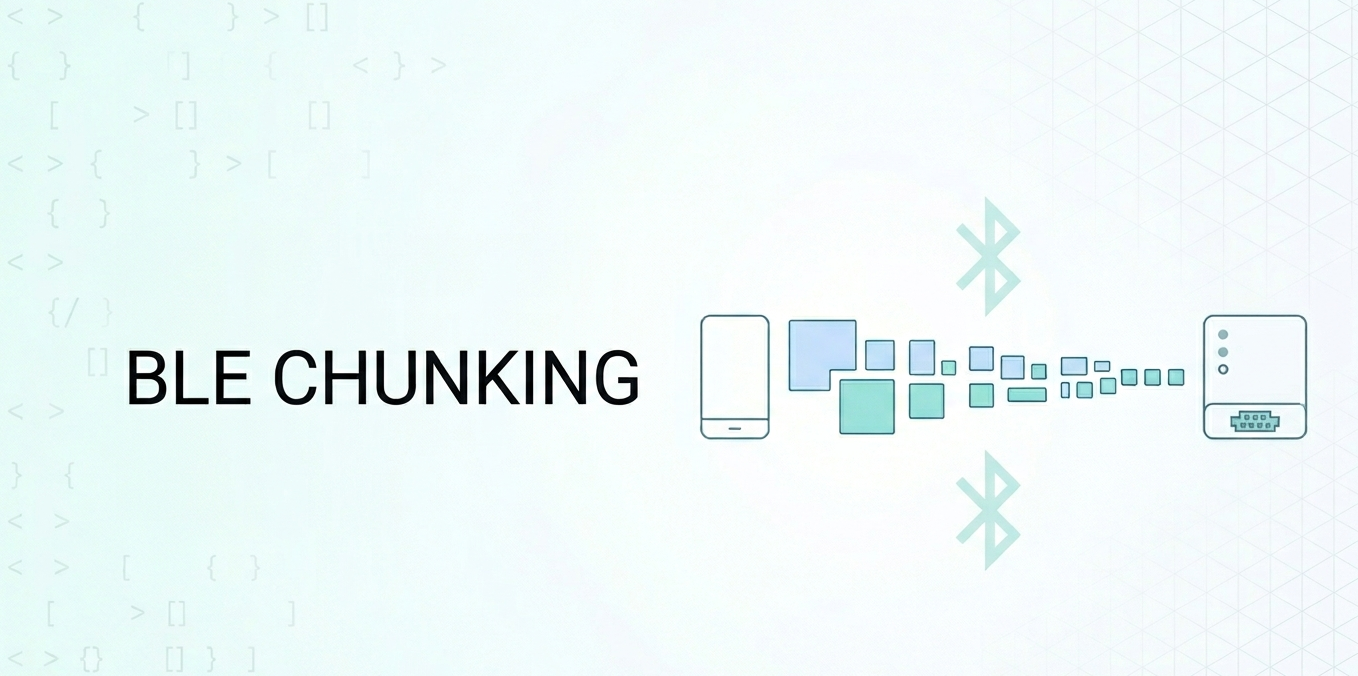
If you read Reliable BLE Data Transfer, you already know how to split a payload into MTU-sized chunks and stream it with flow control. OTA builds directly on that — but adds three hard requirements that a generic file transfer does not have:
| Requirement | Why OTA needs it |
|---|---|
| Integrity | A single flipped bit can make firmware unbootable |
| Resumability | Transfers take minutes; disconnections are guaranteed |
| Atomicity | A partial image must never be executed |
Keep these three in mind — the rest of this article is about getting them right.
Option 1: Use a Proven DFU Library (Nordic)
Unless you are building the device firmware yourself with a custom bootloader, you should not invent your own OTA protocol. The most widely used solution in the BLE ecosystem is Nordic Semiconductor’s DFU, and both platforms have official libraries.
iOS — NordicSemiconductor/IOS-nRF-Connect-Device-Manager
For nRF Connect SDK / Zephyr devices (McuMgr / SMP protocol):
1 | import iOSMcuManagerLibrary |
Track progress and completion through the delegate:
1 | extension FirmwareViewModel: FirmwareUpgradeDelegate { |
For legacy nRF5 SDK devices, use the older
iOSDFULibrary(NordicSemiconductor/IOS-Pods-DFU-Library) instead. The API shape is similar but the underlying protocol differs.
Android — no/nordicsemi/android/dfu
1 | val starter = DfuServiceInitiator(deviceAddress) |
Listen for progress with a DfuProgressListener:
1 | private val dfuListener = object : DfuProgressListenerAdapter() { |
The takeaway: if your hardware team uses Nordic chips (and a huge share of BLE products do), the OTA problem is largely solved for you. Reach for the official library before writing a single byte of custom transfer code.
Option 2: A Custom OTA Protocol
Sometimes you cannot use a stock library — a custom bootloader, a non-Nordic chip, or a proprietary firmware format. In that case you design your own protocol. Here is a battle-tested control/data channel design.
GATT Layout
Use two characteristics: one control point (write-with-response, for commands and acknowledgements) and one data channel (write-without-response, for the high-throughput stream).
1 | OTA Service |
Separating control from data is the single most important design choice. Commands are rare and must be reliable; data is high-volume and must be fast. Mixing them on one characteristic couples reliability to throughput and complicates flow control.
The Handshake (PREPARE)
1 | // 1. App announces the update over the Control Point |
Never start streaming until you receive READY. Erasing flash takes time (often seconds), and writing data before the device is ready guarantees a corrupt image.
The Transfer (with windowed acknowledgement)
Pure fire-and-forget over write-without-response is fast but blind — you cannot tell what the device actually received. Pure write-with-response is reliable but slow. The production answer is a window: send N chunks, then ask the device to confirm before sending the next N.
1 | let windowSize = 16 // chunks per acknowledgement round |
Each data chunk carries its absolute offset in the first 4 bytes. This is what makes the protocol resumable — the device always knows where each chunk belongs, and the app can restart from any offset.
Validate, Activate, Verify
1 | // VALIDATE — device has all bytes; ask it to check the full image |
The disconnection after ACTIVATE is not an error — it is the device rebooting. A surprising number of OTA bugs are really just apps treating this expected disconnect as a failure and showing a scary error to the user.
Resumability: Surviving the Inevitable Disconnect
A firmware image is often hundreds of KB. At realistic BLE throughput that is minutes of transfer — minutes during which the user walks away, the phone locks, or RF interference drops the link. If a disconnect forces a restart from zero, your update will fail forever in poor conditions.
Resumability is built on one idea: the device remembers how much it has stored, and the app asks before sending.
1 | func resumeOrStart() { |
Combined with per-chunk offsets and the windowed CRC check above, this lets a 500 KB update survive a dozen disconnections and still complete. Test this explicitly — kill Bluetooth mid-transfer and confirm the next attempt resumes instead of restarting.
Common Pitfalls
1. Treating the Activation Disconnect as a Failure
1 | func centralManager(_ central: CBCentralManager, |
Track an isActivating flag. If you sent ACTIVATE, expect the disconnect and move to the VERIFY phase instead of surfacing an error.
2. No Integrity Check
A CRC32 over the full image is the minimum. Without it, a single corrupted chunk produces firmware that may pass a length check, boot, and then crash unpredictably in the field. For security-sensitive products, the device should also verify a cryptographic signature so it only runs firmware you signed — see Securing Bluetooth Communication.
3. Losing the Bond After Reboot
On Android, set setKeepBond(true). A device that drops its bond after a firmware swap will force the user to re-pair — a confusing, trust-eroding experience. Some bootloaders change their MAC address during DFU; your reconnection logic must scan by service UUID, not by a cached address.
4. Letting the Screen Sleep Mid-Update
A multi-minute transfer can be interrupted when iOS suspends your app or Android throttles a background process. Keep the app foregrounded with the screen on during active transfer (UIApplication.shared.isIdleTimerDisabled = true on iOS, FLAG_KEEP_SCREEN_ON on Android), and clearly tell the user not to lock the phone.
5. Hardcoding Throughput Assumptions
OTA throughput depends entirely on MTU, connection interval, and write type — all negotiated at runtime. Do not promise “30 seconds” in your UI; show a real progress bar driven by acknowledged offsets, and request a high-priority connection during transfer (then drop back to balanced after). See the throughput section of Reliable BLE Data Transfer.
6. No Way Back
Always confirm the new version in the VERIFY phase. If the device silently rolled back, your app must detect that the version did not change and report failure — otherwise users believe they are running firmware they are not.
Best Practices Summary
- Prefer a proven library — use Nordic DFU (McuMgr/SMP or legacy) before writing a custom protocol. Reinventing OTA is rarely worth the risk.
- Never overwrite running firmware — rely on the device’s two-slot (A/B) design; the app’s job is to deliver a complete, verified image, not to activate anything early.
- Separate control and data channels — reliable write-with-response for commands, write-without-response for the byte stream.
- Always verify integrity — CRC32 at minimum, cryptographic signature for security-sensitive devices.
- Make transfers resumable — carry absolute offsets in each chunk and query device status before sending. Assume disconnections will happen.
- Treat the activation disconnect as success — it is the device rebooting, not a failure.
- Verify the result — read the version back after reboot to distinguish a real success from a silent rollback.
- Keep the bond and the app awake — preserve pairing across the swap and prevent the screen from sleeping during transfer.
- Test the unhappy paths — kill Bluetooth mid-transfer, pull power, send a corrupt chunk. Production OTA is defined by how it fails, not how it succeeds.
Summary
A BLE firmware update is deceptively simple to start and brutally unforgiving to finish. The transfer itself is just chunked data — the same MTU and flow-control mechanics you already know. What makes OTA hard is everything around the transfer: erasing the right slot, verifying every byte, surviving disconnections, rebooting safely, and proving the new image actually runs.
Get the foundation right and the choice between Nordic DFU and a custom protocol becomes a detail. The principles never change: never touch the running firmware, never trust an unverified image, and always assume the connection will drop before you are done. Build for those three truths and your updates will succeed in the messy real world, not just on your desk.
Have a great weekend!