Language

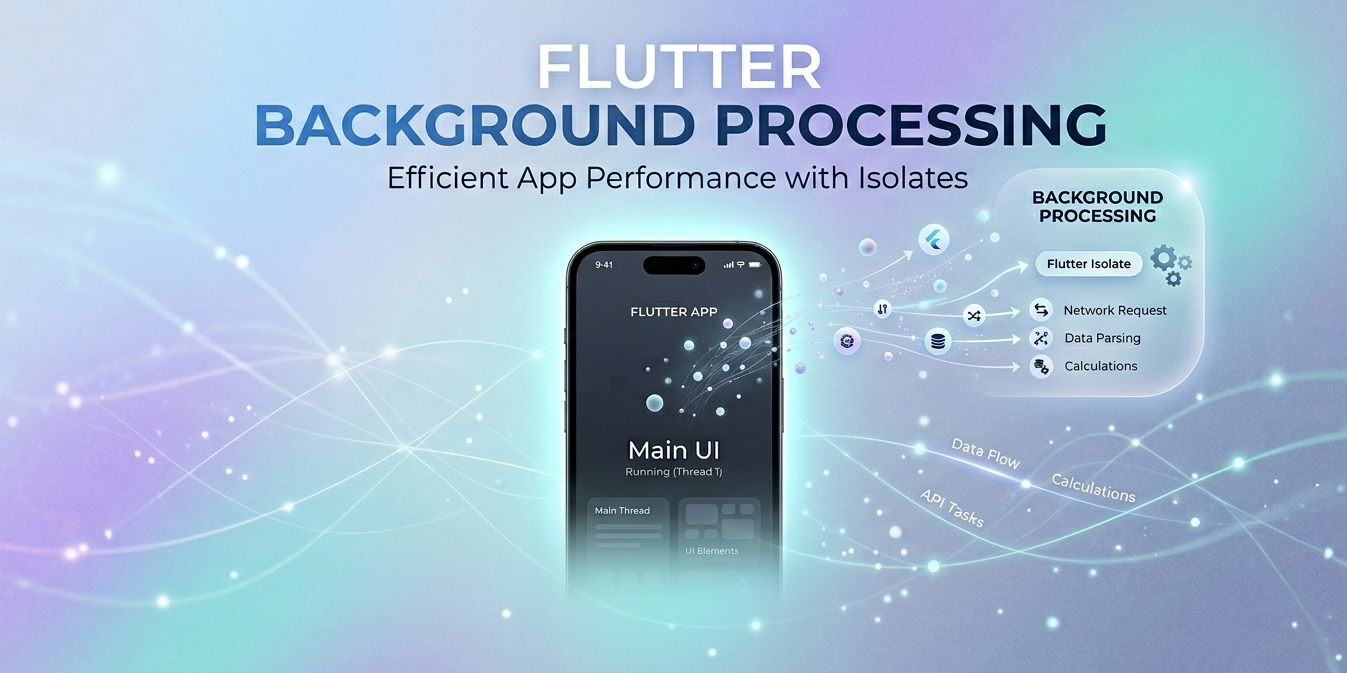
Flutter Background Isolates: True Concurrency Without Blocking the UI

Flutter runs on a single main thread — the main isolate — responsible for rendering the UI at 60 or 120 fps and handling user input. Any heavy work you put on that thread shows immediately: dropped frames, stuttered animations, and an app that feels sluggish.

Dart’s answer is the isolate: a fully independent unit of execution with its own isolated memory and its own event loop. Offloading work to a background isolate frees the main thread to do the one thing it must do well — paint the interface.

In this article we’ll explore what background isolates are, how they work internally, when to use them, and how they fit into Bluetooth Low Energy apps.

Let’s get started!
Read More

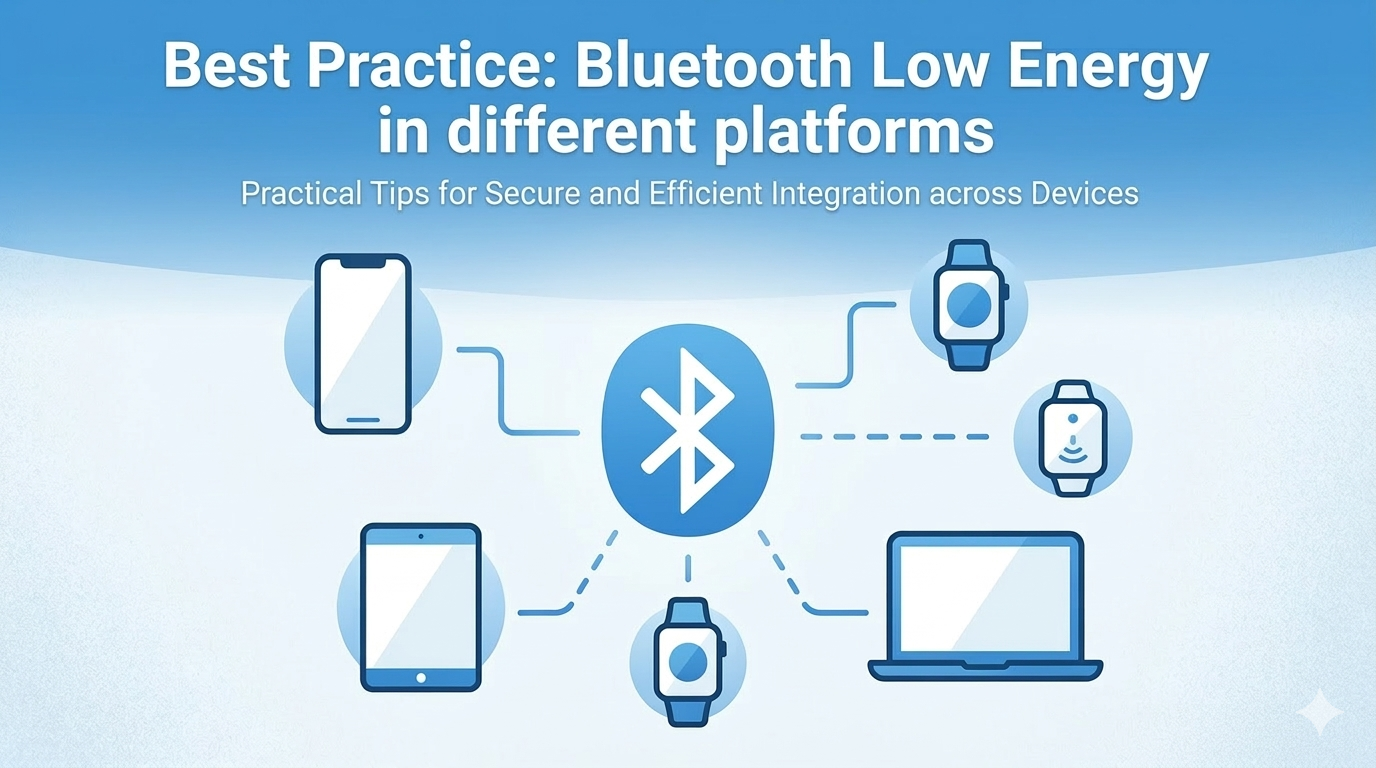
Best Practice: Bluetooth Low Energy in Different Platforms

Bluetooth Low Energy (BLE) is a core technology behind fitness trackers, smart home devices, medical equipment, and many other IoT products. When building a BLE-enabled app, you often face a choice: native iOS, Flutter, or React Native?

Rather than relying on third-party BLE libraries for Flutter or React Native, the approach I recommend — and practice — is to write all BLE logic in native Swift using CoreBluetooth, then expose it to each cross-platform framework via its native bridge mechanism. For React Native, that means Native Modules. For Flutter, that means Platform Channels.

This gives you full control of the BLE stack, consistent behavior across all your projects, and zero dependency on external BLE packages that may lag behind iOS SDK updates.

Read More