Flutter Background Isolates: True Concurrency Without Blocking the UI
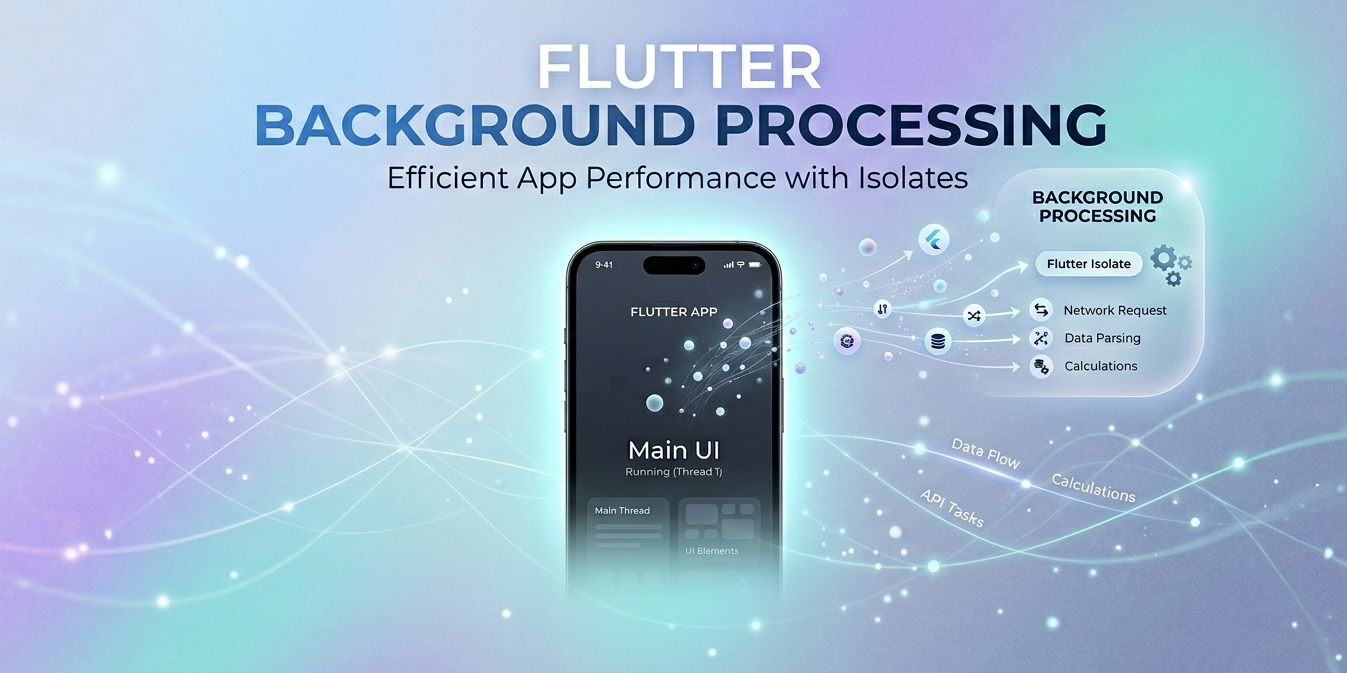
Flutter runs on a single main thread — the main isolate — responsible for rendering the UI at 60 or 120 fps and handling user input. Any heavy work you put on that thread shows immediately: dropped frames, stuttered animations, and an app that feels sluggish.
Dart’s answer is the isolate: a fully independent unit of execution with its own isolated memory and its own event loop. Offloading work to a background isolate frees the main thread to do the one thing it must do well — paint the interface.
In this article we’ll explore what background isolates are, how they work internally, when to use them, and how they fit into Bluetooth Low Energy apps.
Let’s get started!
Why Does the Problem Exist?
Dart is single-threaded by design. Unlike Java or Kotlin, there are no shared threads and no mutexes. All execution happens inside an isolate — and by default, your app has exactly one.
The main isolate has a strict per-frame budget: ~16 ms at 60 fps or ~8 ms at 120 fps. Any operation that takes longer than that blocks the renderer.
1 | Main isolate timeline (no background isolates): |
With a background isolate:
1 | Main isolate: [frame 1] [render] [frame 2] [render] [frame 3] ← smooth |
The Dart Isolate Model
An isolate in Dart is similar to a lightweight OS process:
- It has its own memory heap — it shares no objects with other isolates.
- It communicates exclusively via message passing through
SendPort/ReceivePort. - It runs on a separate OS thread, enabling true parallelism on multi-core CPUs.
1 | ┌──────────────────────────────────────────────────┐ |
Key point: isolates do not share memory. To send data between them, Dart copies it (for primitives and simple collections) or transfers it (for special types like
TransferableTypedData). This eliminates race conditions by design.
How to Use a Background Isolate
Option 1 — compute() (simplest approach)
compute is a Flutter helper that spawns a temporary isolate, waits for the result, and shuts it down. It is ideal for one-shot, stateless tasks.
1 | import 'package:flutter/foundation.dart'; |
Important restriction: the top-level function (or static method) passed to compute cannot capture closures from the main isolate’s environment. It must be a pure function.
Option 2 — Isolate.spawn() (full control)
For long-running tasks or bidirectional communication, use Isolate.spawn directly.
1 | import 'dart:isolate'; |
Option 3 — Isolate.run() (Dart 2.19+, the modern way)
Since Dart 2.19, Isolate.run() combines the best of both: the simplicity of compute with closure support.
1 | import 'dart:isolate'; |
Prefer
Isolate.run()overcompute()in new projects — it is more ergonomic and is the modern Dart standard.
Accessing Plugins from Background Isolates (Flutter 3.7+)
Before Flutter 3.7, background isolates could not call native plugins (platform channels). This was a significant limitation for BLE and sensor apps.
Since Flutter 3.7, this is possible via BackgroundIsolateBinaryMessenger:
1 | import 'dart:isolate'; |
Efficient Data Transfer — TransferableTypedData
Copying large byte buffers between isolates can be expensive. For binary data (like BLE frames), use TransferableTypedData, which transfers the memory without copying it:
1 | // In the main isolate — pack for transfer |
Use Cases
| Use case | Why an isolate |
|---|---|
| Large JSON parsing | Would block the render thread if done inline |
| Compression / decompression | CPU-intensive, takes tens of ms |
| Encryption / hashing | AES, SHA256 over large buffers |
| Image decoding | Before passing to a Canvas or Image widget |
| BLE frame processing | Raw bytes → domain structs |
| Heavy SQLite queries | Avoids I/O latency on the main thread |
| ML model inference | TFLite running on the background isolate |
Isolates and BLE Apps
This is perhaps the most practical combination. BLE apps receive a continuous stream of data — characteristic notifications, scan results, protocol frames — and need to process all of it without impacting the UI.
The Problem Without Isolates
1 | BLE Plugin → Main Isolate → [frame parsing] → UI update |
Solution With a Background Isolate
1 | // Recommended architecture for BLE + Isolate |
Flutter 3.7+ — The Isolate Calls the BLE Plugin Directly
1 | void _bleBackgroundIsolate(RootIsolateToken token) async { |
Best Practices
1. Use Isolate.run() for one-shot tasks
1 | // ✅ Clean, modern, no boilerplate |
2. Don’t overuse isolates for fast operations
Spawning an isolate has an overhead of ~1–2 ms plus data copying. For operations that take less than ~5 ms, the overhead outweighs the benefit.
1 | // ❌ Not worth it — too trivial |
3. Reuse long-lived isolates for BLE data streams
Do not spawn a new isolate for every BLE frame received. Create a dedicated isolate at startup and keep it alive for the entire connection session.
1 | // ✅ One isolate, many frames |
4. Prefer TransferableTypedData for large buffers
1 | // ❌ Copies the entire buffer |
5. Call BackgroundIsolateBinaryMessenger.ensureInitialized() first
If your isolate needs to access native plugins, this must be the very first line it executes. Any plugin call before this will throw a MissingPluginException.
1 | void _myIsolate(RootIsolateToken token) async { |
6. Handle isolate errors from the main isolate
Uncaught errors inside an isolate do not propagate to the main isolate automatically. Use onError when spawning to capture them.
1 | final errorPort = ReceivePort(); |
7. Always close ReceivePorts you no longer need
Active ReceivePorts prevent the isolate from being garbage collected. Close them explicitly when done.
1 | final port = ReceivePort(); |
Summary
Background isolates are Dart’s answer to the concurrency problem: true parallelism without race conditions, thanks to isolated memory and message passing.
For BLE apps in Flutter, they are an indispensable tool. The continuous stream of data from a connected device can be parsed, decoded, and filtered on a dedicated isolate while the UI remains completely smooth. With Flutter 3.7+, that isolate can even call native plugins directly, removing the last barrier to robust background BLE architectures in Flutter.
The golden rule is simple: if it blocks the main thread for more than one frame, move it to an isolate.
Have a great weekend!