Introducing Signal Hub: The Professional BLE Toolkit for Developers and IoT Makers
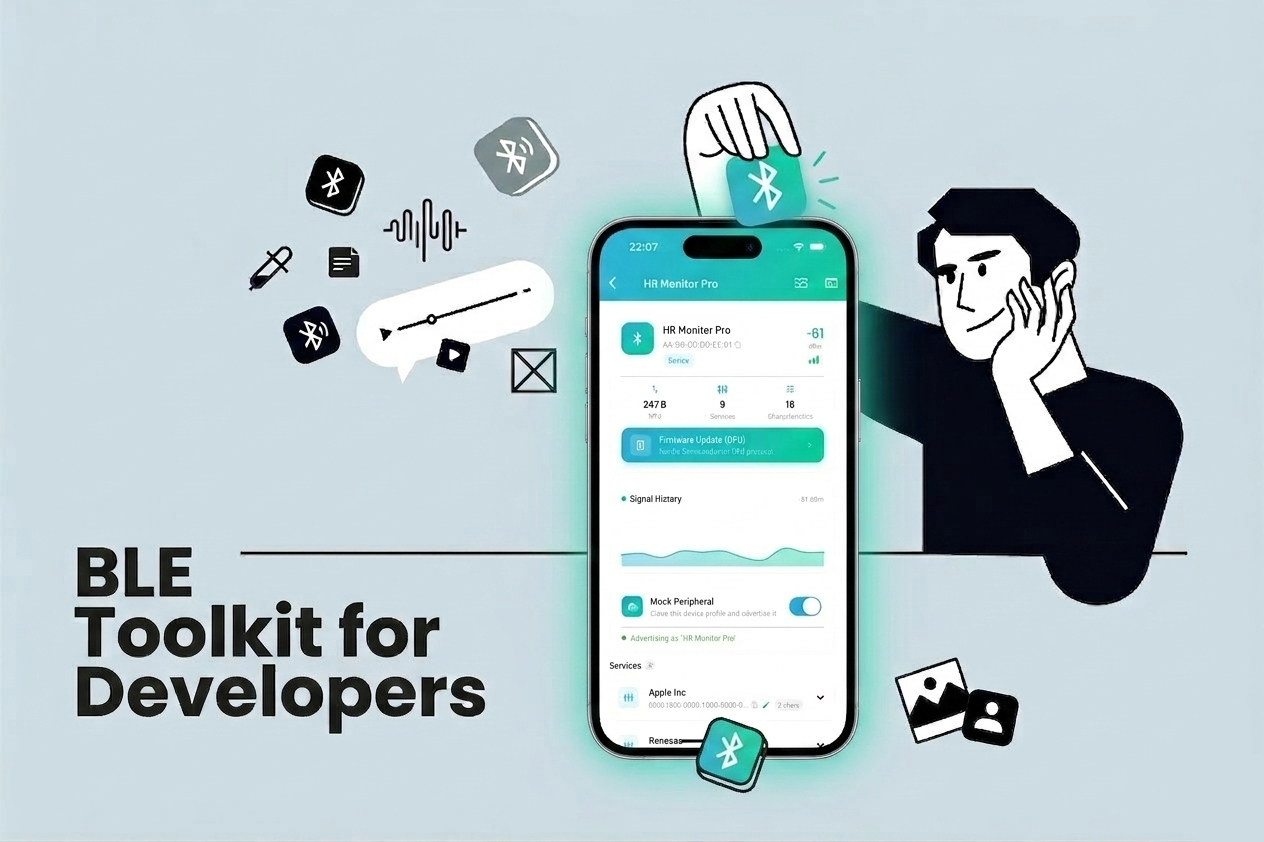
If you have ever spent hours staring at raw HEX dumps trying to figure out why your BLE peripheral is not sending the right data, you know the pain. Debugging Bluetooth Low Energy devices is notoriously tricky — the protocol is powerful, but the tooling available on mobile has always felt lacking.
That is why I built Signal Hub — a professional BLE toolkit designed for developers, hardware engineers, and IoT makers who need reliable, feature-rich tools to interact with BLE devices directly from their phone.
Everything You Need, in One App
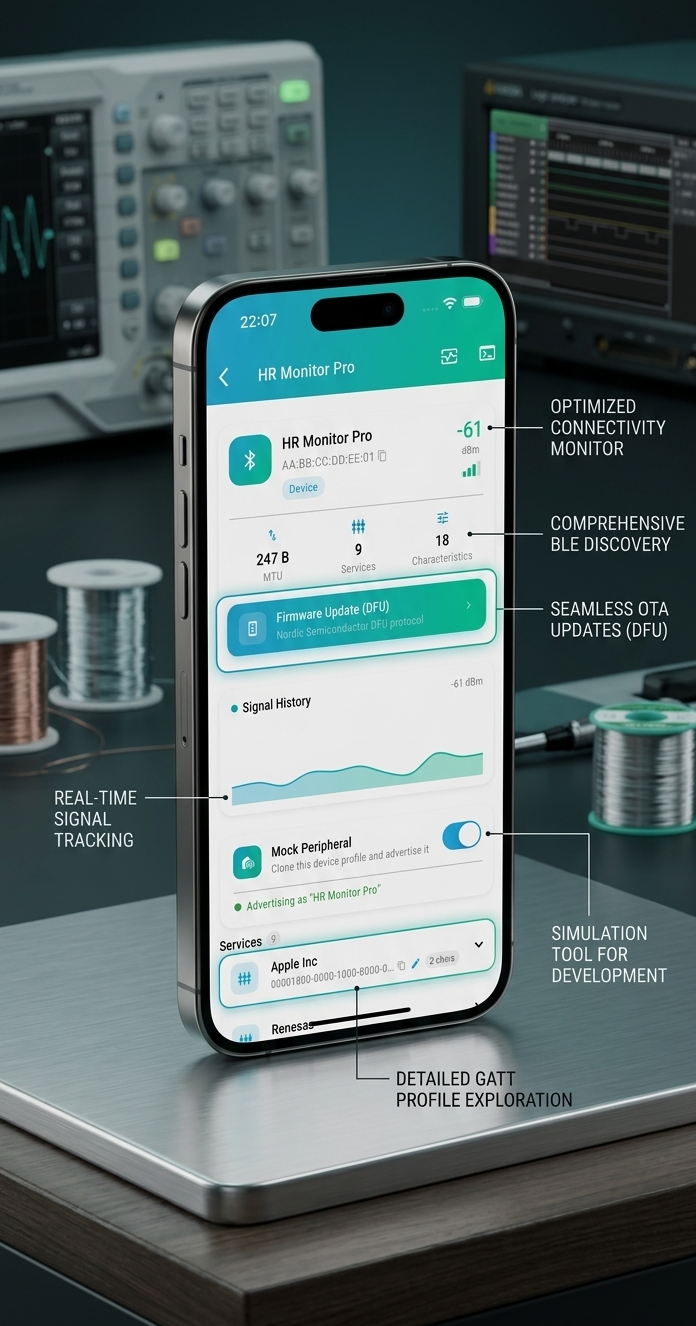
Signal Hub covers the full BLE workflow — from discovery and inspection, to real-time data streaming, byte-level debugging, OTA firmware updates, and peripheral simulation.
Whether you are validating a prototype in the lab or debugging firmware in the field, it is all here. The app is built around a clear mental model: scan, connect, inspect, communicate — with purpose-built tools for each step.
- Optimized Connectivity Monitor — stay reliably connected even in noisy environments.
- Comprehensive BLE Discovery — full advertising data, UUIDs, and RSSI at a glance.
- Seamless OTA Updates (DFU) — flash firmware without leaving the app.
- Detailed GATT Profile Exploration — every service, characteristic, and descriptor exposed.
Scan, Connect, Inspect
The Device Scanner discovers nearby BLE devices in real time, with RSSI signal strength, advertising data, and detailed device identifiers. Powerful filters let you narrow by name, UUID, signal strength, and more — so you find the right device instantly, even in crowded RF environments.
Once connected, the Device Inspector gives you a complete map of the GATT profile — services, characteristics, and descriptors — laid out in a clean and navigable tree. No more cross-referencing specs manually.
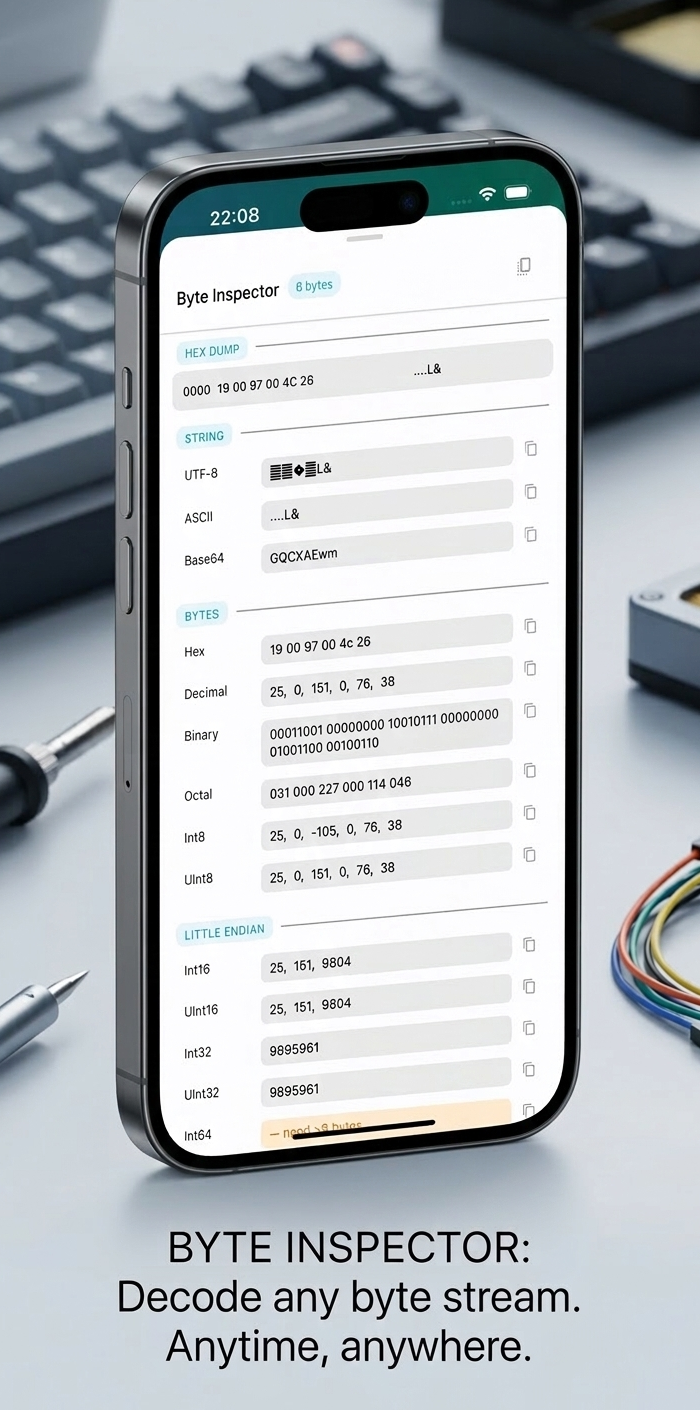
Byte Inspector — decode any byte stream in HEX, ASCII, UTF-8, Binary, and more.
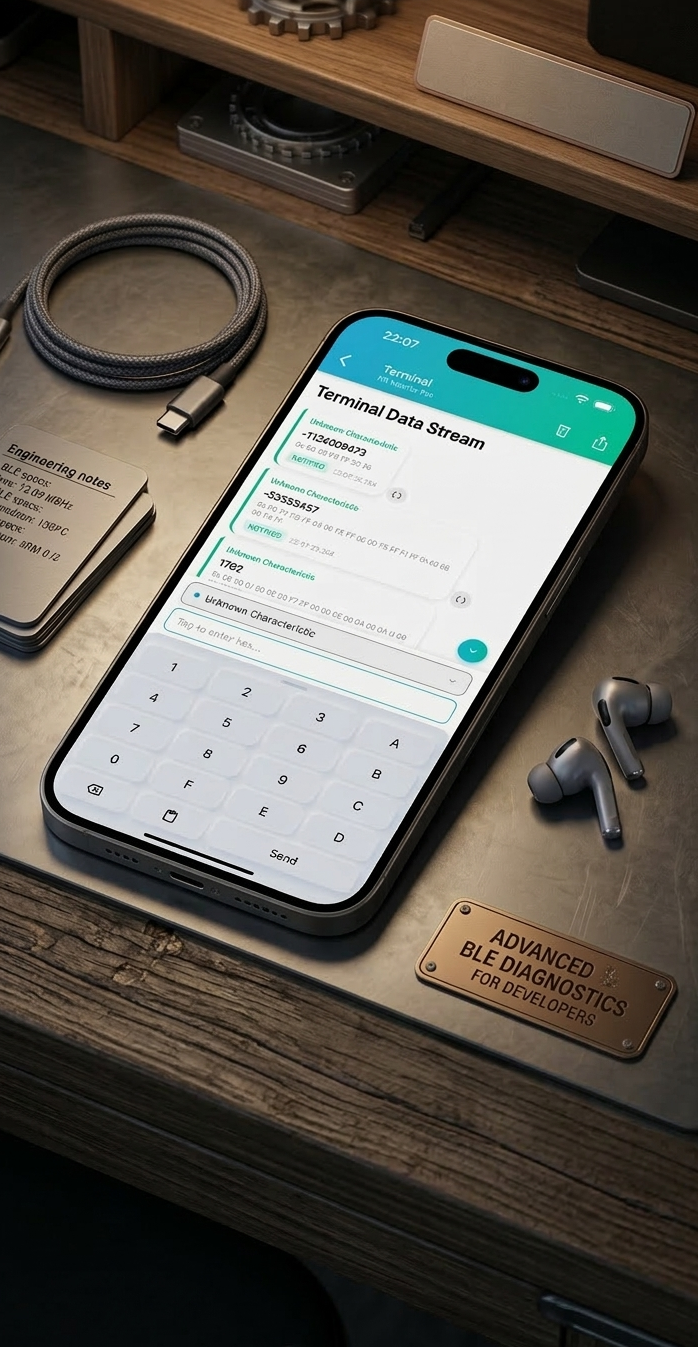
Terminal — send and receive raw BLE data with a live command interface.
Read & Write Characteristics in HEX, ASCII, or UTF-8 — switch formats on the fly and iterate fast. The built-in Terminal lets you send raw commands and watch responses stream back in real time, with a full session log you can export for analysis or sharing with your team.
Visualize Live Sensor Data
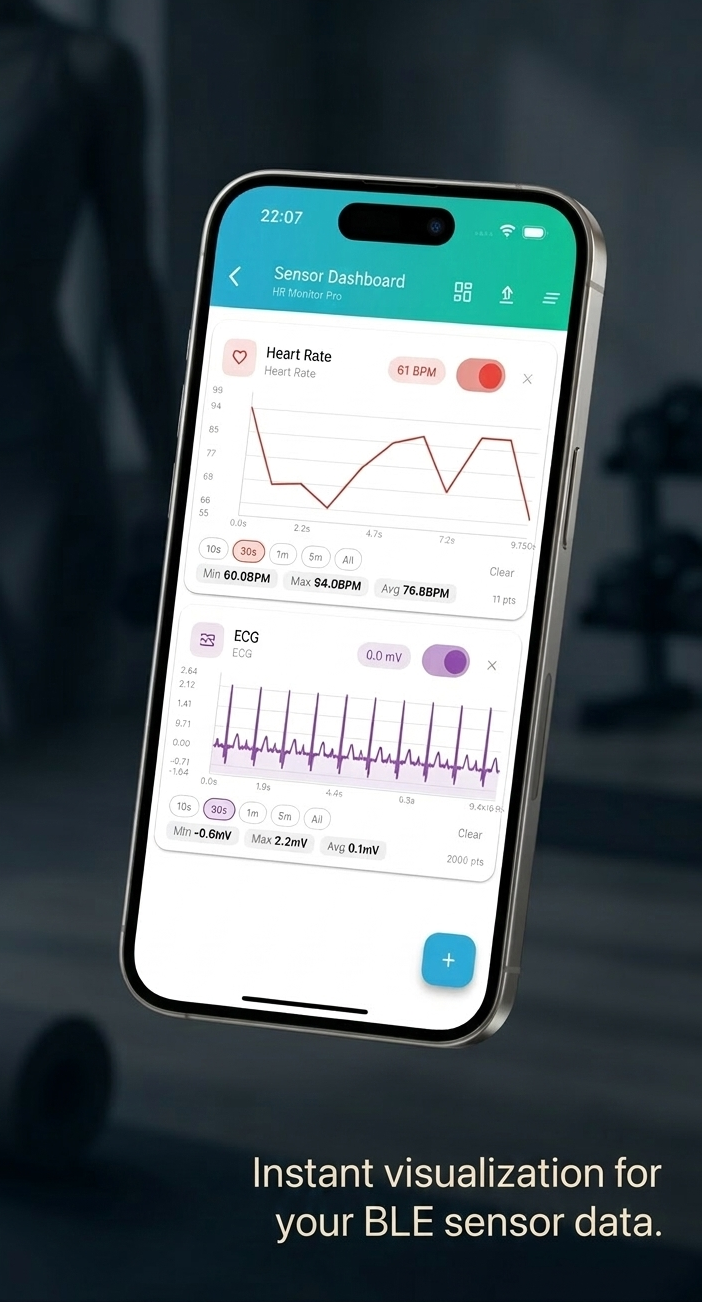
The Sensor Dashboard turns live BLE data into dynamic charts with real-time updates. Visualize heart rate, ECG, accelerometer readings, or any custom characteristic — spot trends, anomalies, and timing issues at a glance instead of decoding raw bytes by hand.
Subscribe to Live Notifications on any characteristic and monitor data streams continuously. Ideal for event-driven firmware validation or catching intermittent behavior that only appears under real conditions.
Charts update in real time and support multiple channels simultaneously, so you can correlate signals without switching screens.
Simulate a Peripheral
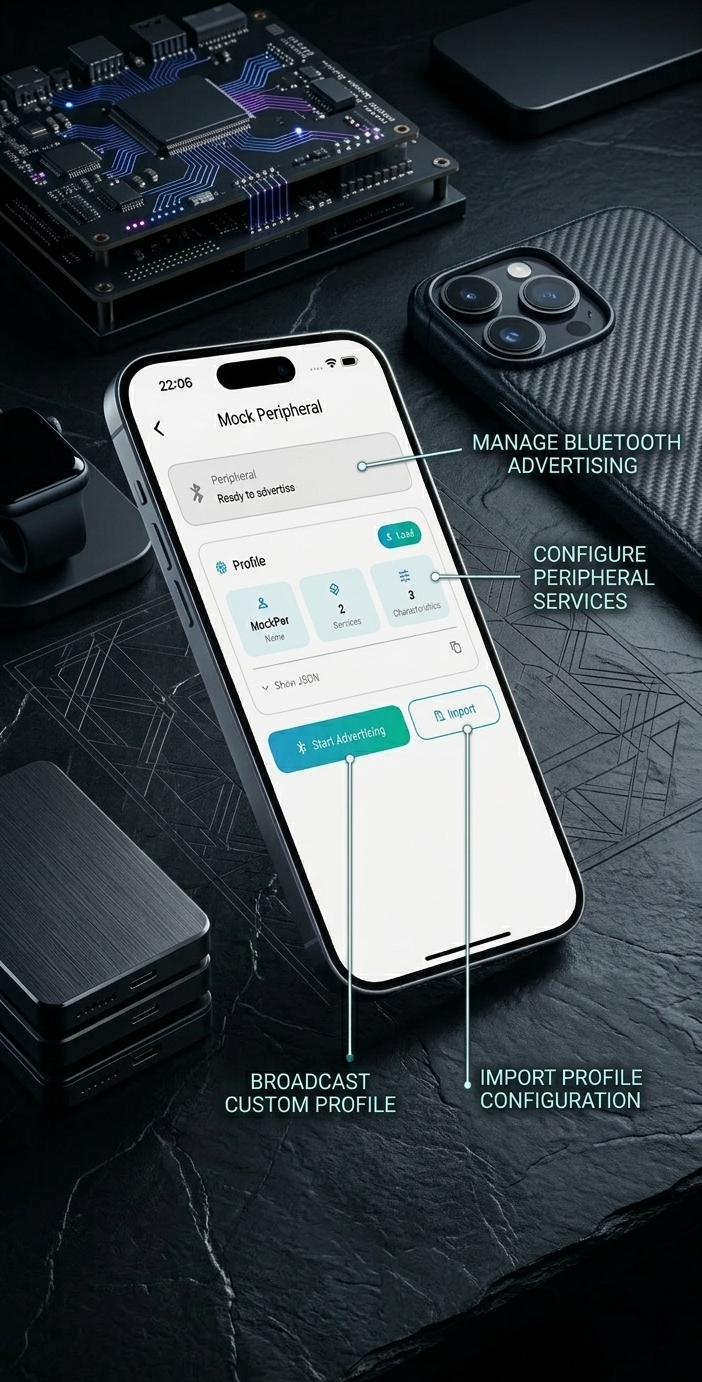
Mock Peripheral is one of Signal Hub's most powerful tools. Turn your iPhone into a BLE peripheral — configure custom GATT services, broadcast advertising data, and simulate device behavior without any hardware.
Import a profile configuration, adjust characteristics, and start advertising in seconds. This is invaluable when you need to test your app's central role logic independently of the actual hardware, or when the hardware is simply not available yet.
- Manage Bluetooth Advertising — full control over advertising payload and intervals.
- Configure Peripheral Services — define custom GATT services and characteristics.
- Broadcast Custom Profiles — simulate any device your app needs to talk to.
- Import Profile Configuration — reuse saved configurations across sessions.
Smart Settings for Serious Work
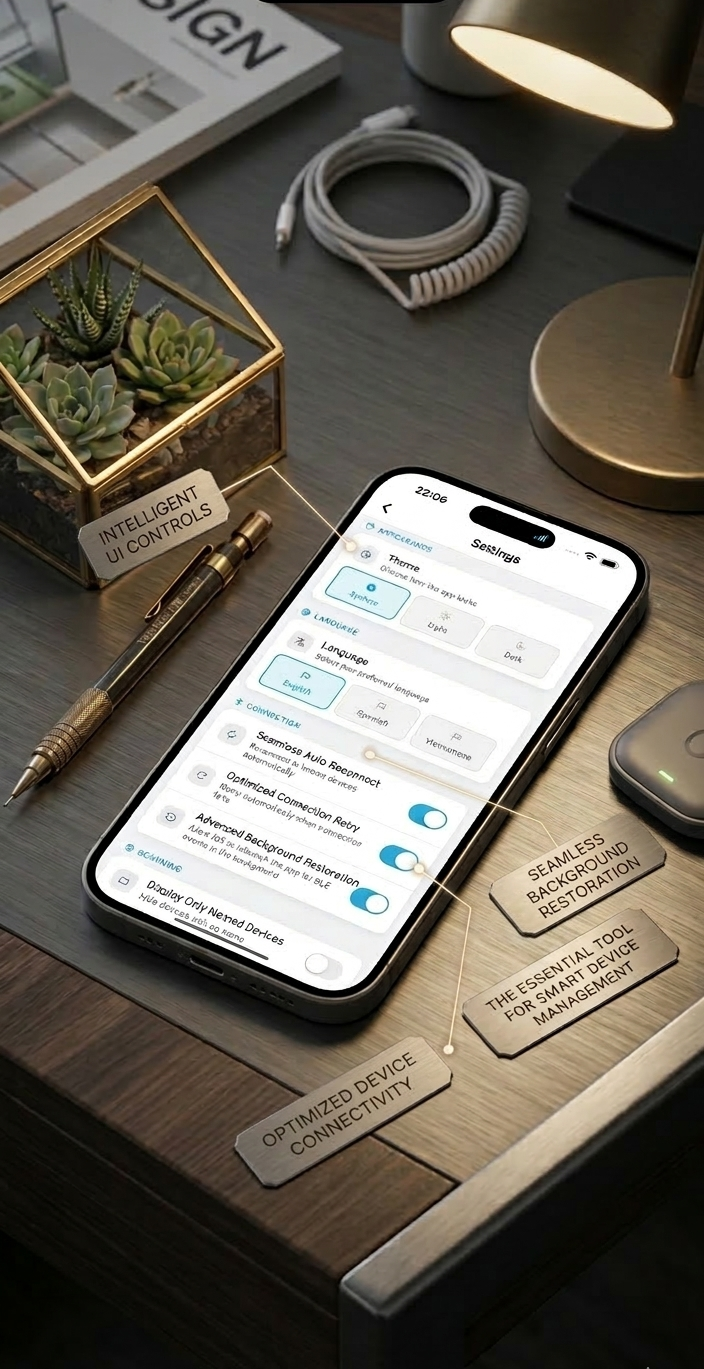
Signal Hub is built to stay out of your way when you need to focus. Optimized Auto Reconnect, Advanced Background Restoration, and Named Device filters mean the app stays connected and responsive even as you switch contexts.
Configure once and trust it to behave. The settings surface only what matters — connection behavior, display preferences, and device management — without burying you in options.
Firmware Update (DFU) support lets you flash device firmware directly from the app for supported devices — no laptop, no cables, no ceremony.
Built for Professionals
Signal Hub is not a toy app. It is a tool built by a developer, for developers. The design decisions — format switching, exportable logs, granular filters, live charting, peripheral simulation — come directly from real-world BLE debugging sessions where the right tool would have saved hours.
Get Signal Hub
Signal Hub is available now on the App Store, for Google Play it’s under reviewed.
Have feedback or a feature request? Reach out — I would love to hear how you are using it.